White-label workspace branding, November 16, 2026
ET Ducky's white-label add-on lets a workspace show its own product name, logo, accent color, and support contact in place of ET Ducky's. The brand shows on the dashboard, in the sign-in window, in alert emails, and on managed devices. This post sets it up for G4rden, an example brand built from https://g4rden.com/, in three steps. Every screenshot is from the production dashboard. The Workspace Branding documentation is the full reference.
Step 1: Add white-label to a paid plan
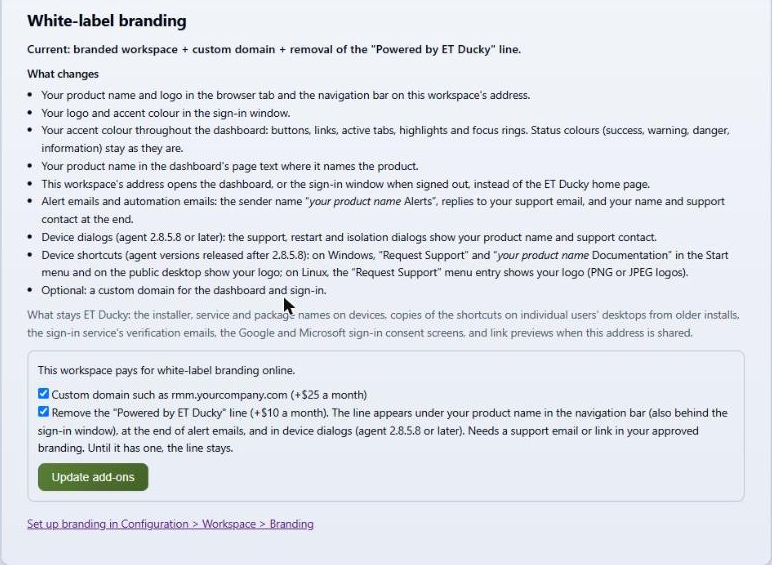
The "White-label branding" card on Configuration > Subscriptions buys the add-on and its two options. White-label branding costs $19 a month per workspace. A custom domain for the dashboard and sign-in, such as rmm.acme.com, adds $25 a month. Removing the "Powered by ET Ducky" line adds $10 a month and needs a support email or link in the approved branding. Tick the options and click "Update add-ons". The add-ons are for workspaces on a paid plan (a query subscription or agent seats).
Step 2: Import from the company website
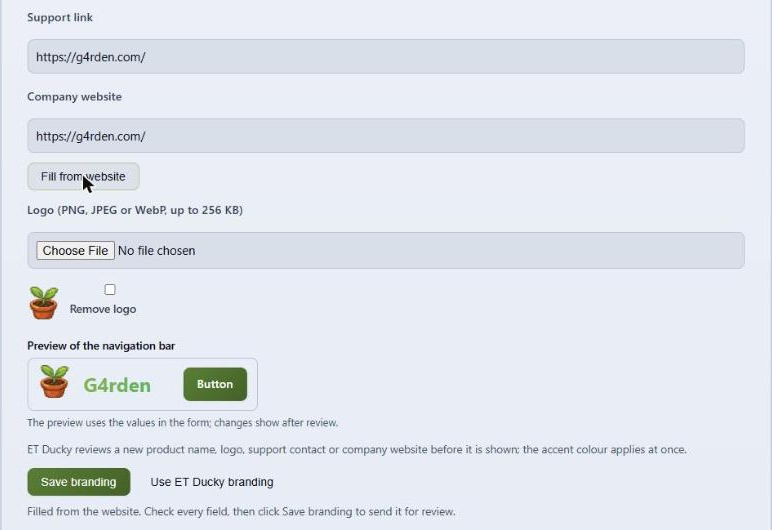
On Configuration > Workspace > Branding, enter the company website, here https://g4rden.com/, and click "Fill from website". ET Ducky reads the site and drafts the product name, accent color, support link, and a square logo where the page names them. The navigation bar preview shows the result. Nothing is saved yet.
Step 3: Check the fields and save
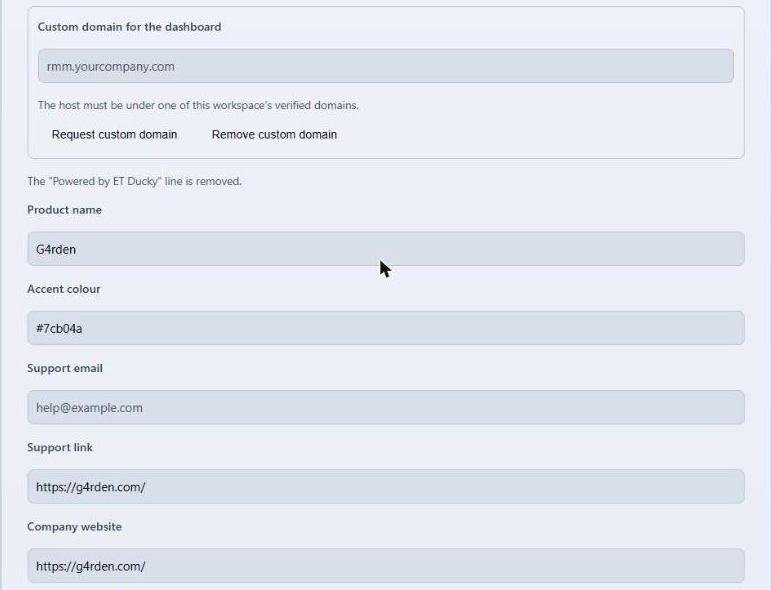
Check each field and fill in what the site didn't name. For G4rden the product name is G4rden and the accent color is #7cb04a. The logo takes PNG, JPEG, or WebP, up to 256 KB. Click "Save branding". ET Ducky reviews a new product name, logo, support contact, or company website before the workspace shows it. A change to the accent color alone applies at once.
What the workspace shows
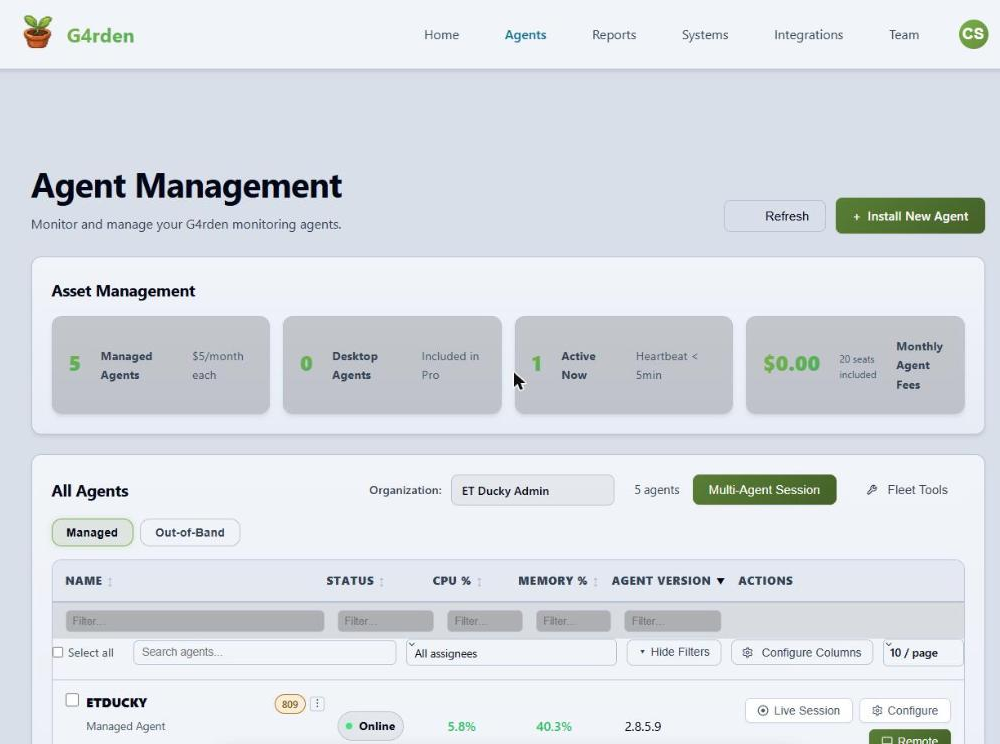
After approval, the workspace address shows the brand in the browser tab, the navigation bar, and the page text. The Agents page reads "Monitor and manage your G4rden monitoring agents." The accent color carries through buttons, links, active tabs, highlights, and focus rings. Status colors for success, warning, danger, and information keep their meaning. The address opens the dashboard, or the sign-in window with the logo and accent color when signed out.
Alert and automation emails come from "your product name Alerts". Replies go to the support email. Each email ends with the product name and support contact.
On managed devices
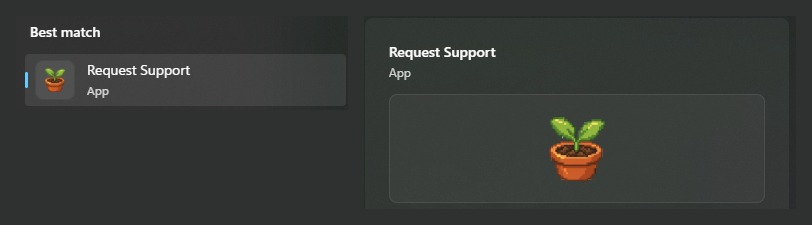
On Windows, agents released after 2.8.5.8 give the "Request Support" shortcut and the "product name Documentation" shortcut in the Start menu and on the public desktop the workspace logo. On Linux, the "Request Support" menu entry shows the logo (PNG or JPEG logos). From agent 2.8.5.8, the support, restart, and isolation dialogs show the product name and support contact. A change reaches each device at its next heartbeat, usually within two minutes, with no reinstall.
What stays ET Ducky
The workspace address stays a subdomain of etducky.com unless the workspace has the custom domain option. The sign-in service's verification code and sign-in link emails, the Google and Microsoft consent screens, and link previews of the address still show ET Ducky. On devices, the installer, the service and package names, the install folders, and shortcut copies on individual users' desktops from older installs stay ET Ducky. The email sending address stays ET Ducky's so the email passes the receiving server's checks.
Read the full reference
The Workspaces documentation covers buying the add-on, what changes and what stays ET Ducky, the review, removing the Powered by line, and custom domains.
Open the documentation